
KuWFi 300Mbps CAT4 4G LTE Router Wireless WiFi Router 4pcs Detachable Antennas with WAN LAN RJ45 Port AP Repeater Mode USIM Slot
KuWFi 300Mbps CAT4 4G LTE Router Wireless WiFi Router 4pcs Detachable Antennas with WAN LAN RJ45 Port AP Repeater Mode USIM Slot
Choose Bundle to continue.

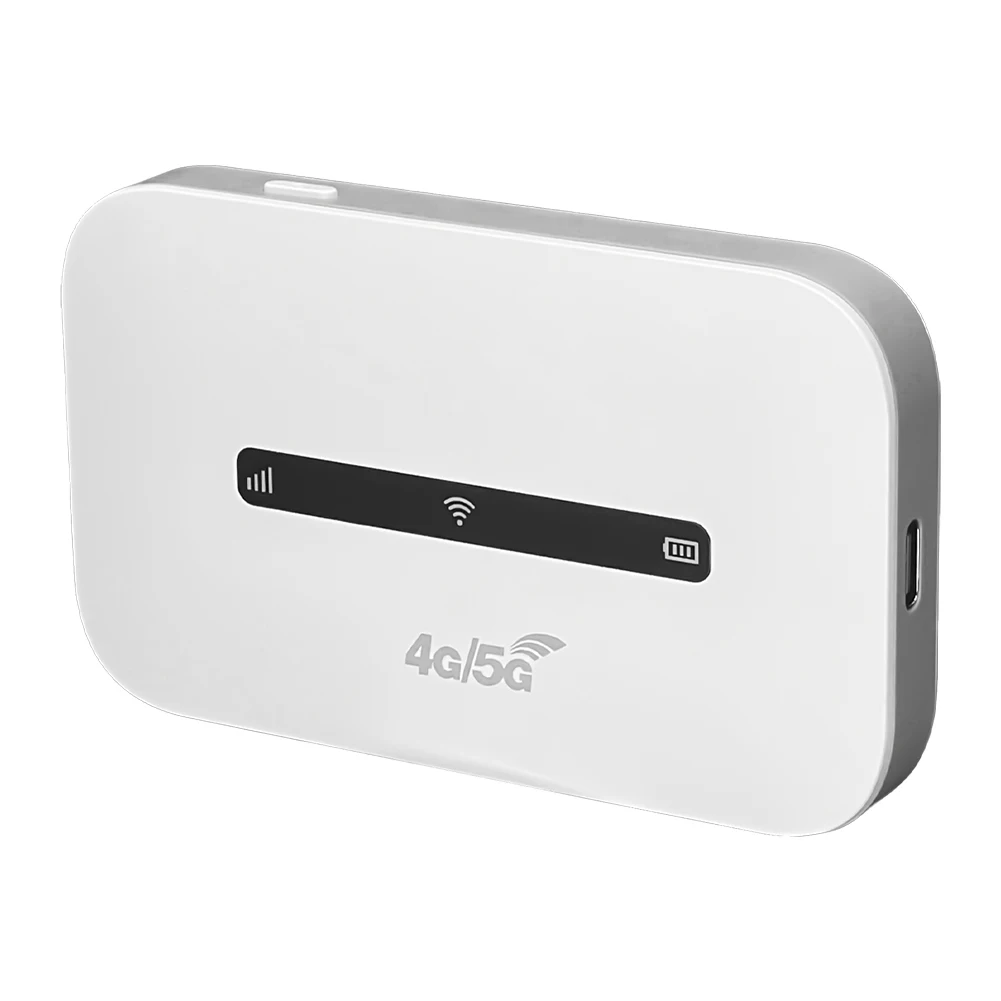
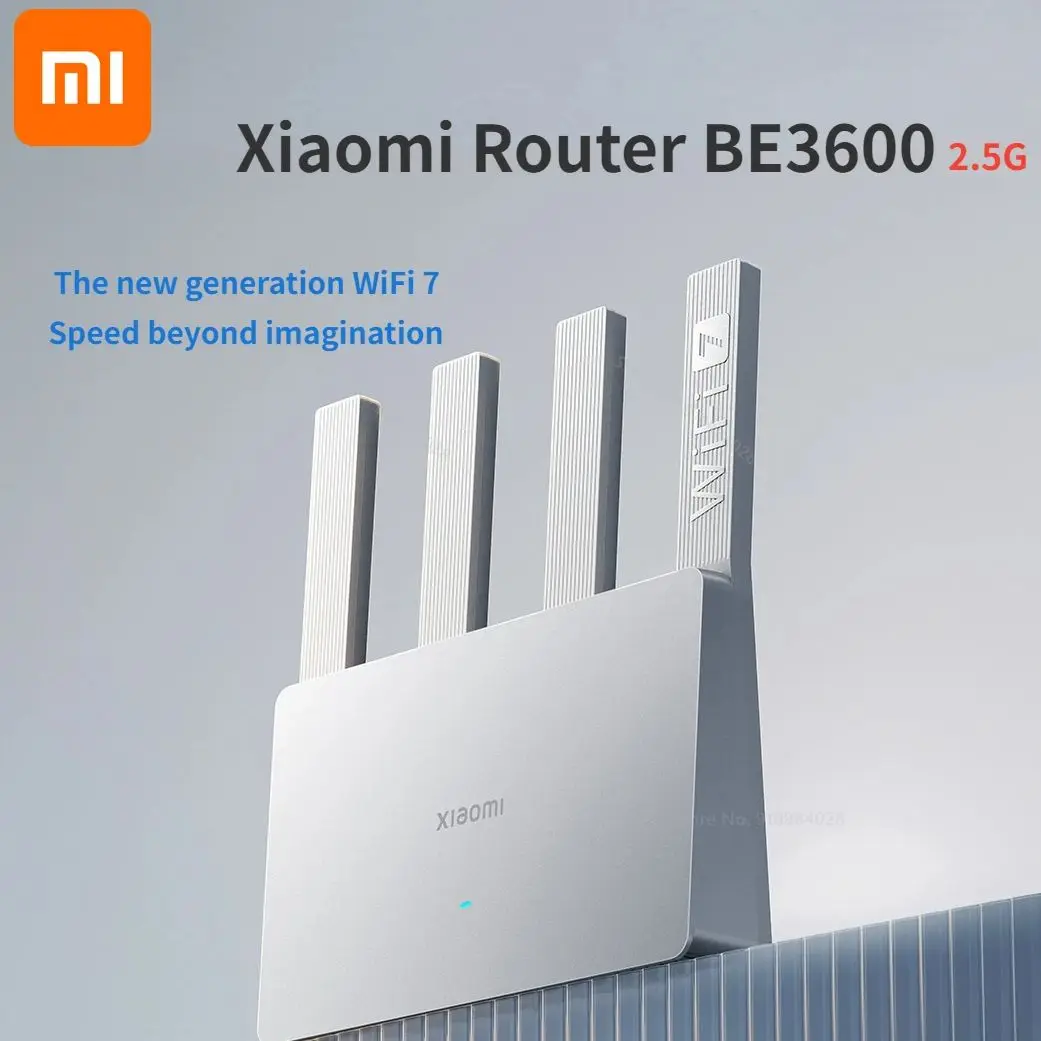
KuWFi 300Mbps CAT4 4G LTE Router Wireless WiFi Router 4pcs Detachable Antennas with WAN LAN RJ45 Port AP Repeater Mode USIM Slot Overview
- High-concerned chemical: None
- 5G Wi-Fi Transmission Rate: None
- Wired Transfer Rate: 10/100Mbps
- Wi-Fi Transmission Standard: 802.11n
- 2.4G Wi-Fi Transmission Rate: 300 Mbps
- Wi-Fi Supported Frequency: 2.4G
- Supports WPS: No
- Supports WDS: No
- Number of USB Interfaces: None
- WAN Ports: 1 x10/100Mbps
- LAN Ports: 1
- Function: Firewall,QoS
- Application: ENTERPRISE
- Package: Yes
- Standards And Protocols: Wi-Fi 802.11g,Wi-Fi 802.11b,Wi-Fi 802.11n
- Wireless transmission rate: 300m
- Support Mesh: Not Supported
- Frequency: 2.4 GHz
- Antenna Type: Fixed
- Recommended Uses: Home
- Wireless Communication Standard: 802.11.n
- Frequency Band Class: Single-Band
- With Modem Function: Yes
- Type: WireLess
- Brand Name: KuWFi
- Origin: Mainland China
- Certification: CE
FAQ:
Q1: My router's Internet speed is slow, how can I improve it?
A1: Buyers can log in to the WEB UI page and adjust the network mode of the router, which is recommended to be set to "4G Only". If indoors, buyers are advised to place the router in a position suitable for receiving signals.
Q2: Can this router work in my country?
A2: The router not support Spain Digi SIM Card.Other SIM Card refer.If you are not sure whether it can work in your country,you can consult the seller or research it here before you place the order.Check SIM card web,www.frequencycheck.com.
Q3: Can not recognize SIM card?
A3: You can insert SIM card into the router for one minute first,then turn on the power.And then log in web ui page to check the sim card.If still not recognized the SIM card,please install another SIM card from another SIM card operator.
Q4: The device can not connect to the Internet normally?
A4: You need to disable the PIN code and modify the APN. Please log in web ui to fill in correct APN.About APN ,you can call your sim card operator to check.APN setting refer web, www.apn.how
Q5: Does this router support IMEI modification?
A5:This router provides access to change the IMEI on the firmware page. The modification steps are as follows:
(1) Go to the page: http://192.168.1.254/cgi-bin/luci/admin/network/gcom/atcmd
(2)Check the current imei, input command: AT+EGMR=0,7
(3) Set to factory module, input command: at*prod=1
(4)Modify imei, input command: AT+EGMR=1,7, "xxxxxxxxxxxxxxxxxx"
Note: "xxxxxxxxxxxxxxxxxx" is new imei.
(5) Check the modified imei, input command: AT+EGMR=0,7
Reviews
This site does not have a review form yet, so no reviews are published here.
Bought this product? Email us your order reference and tell us how it went. We read every message and use the feedback when we update the listing.
SEND FEEDBACK BY EMAIL