
4K 8MP HD Wifi PTZ Camera Outdoor 4MP Dual Lens Dual Screen AI Auto Tracking IP Camera CCTV Audio Video Surveillance P2P iCSee
4K 8MP HD Wifi PTZ Camera Outdoor 4MP Dual Lens Dual Screen AI Auto Tracking IP Camera CCTV Audio Video Surveillance P2P iCSee
This product is currently unavailable. Contact us for availability.
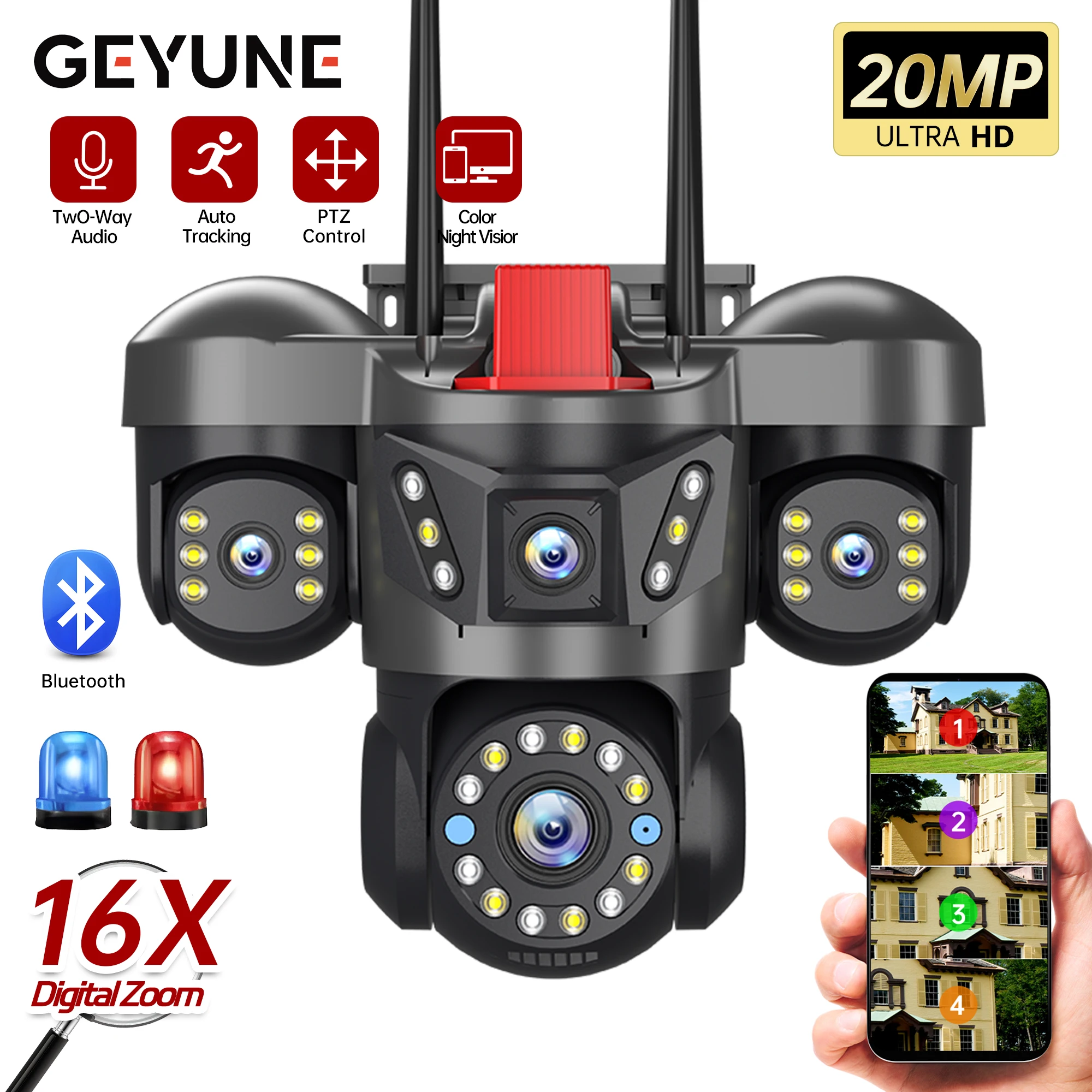
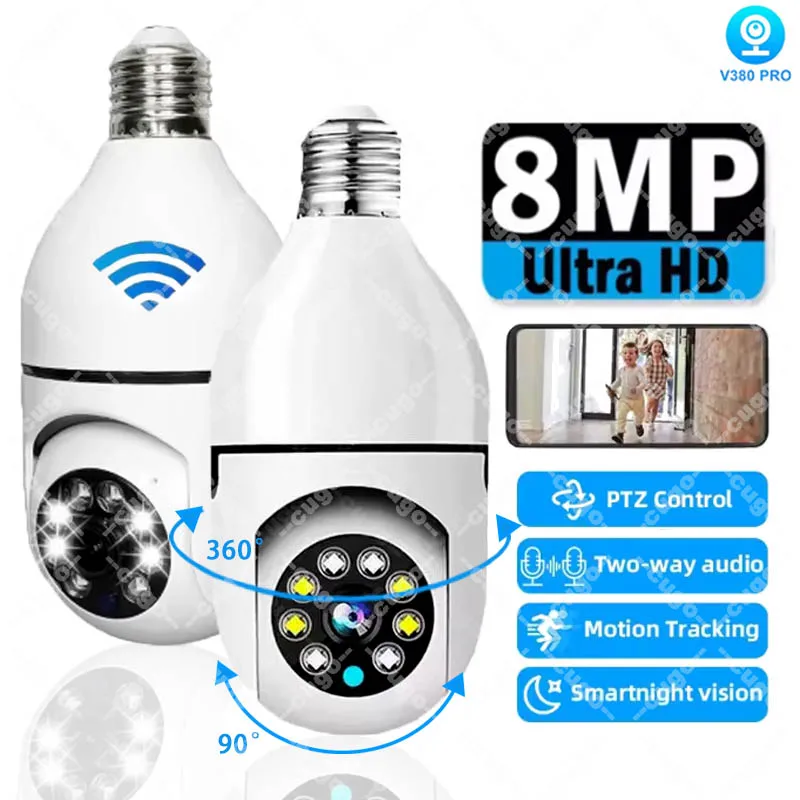
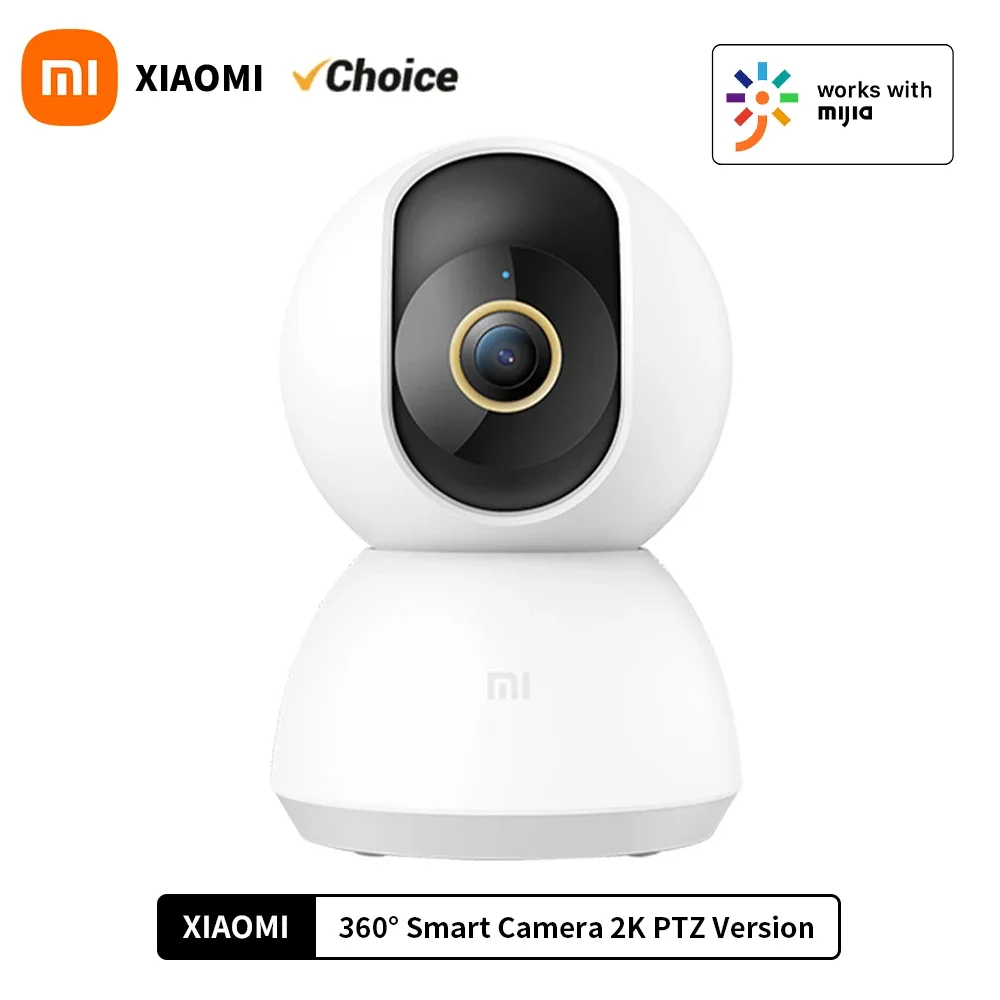
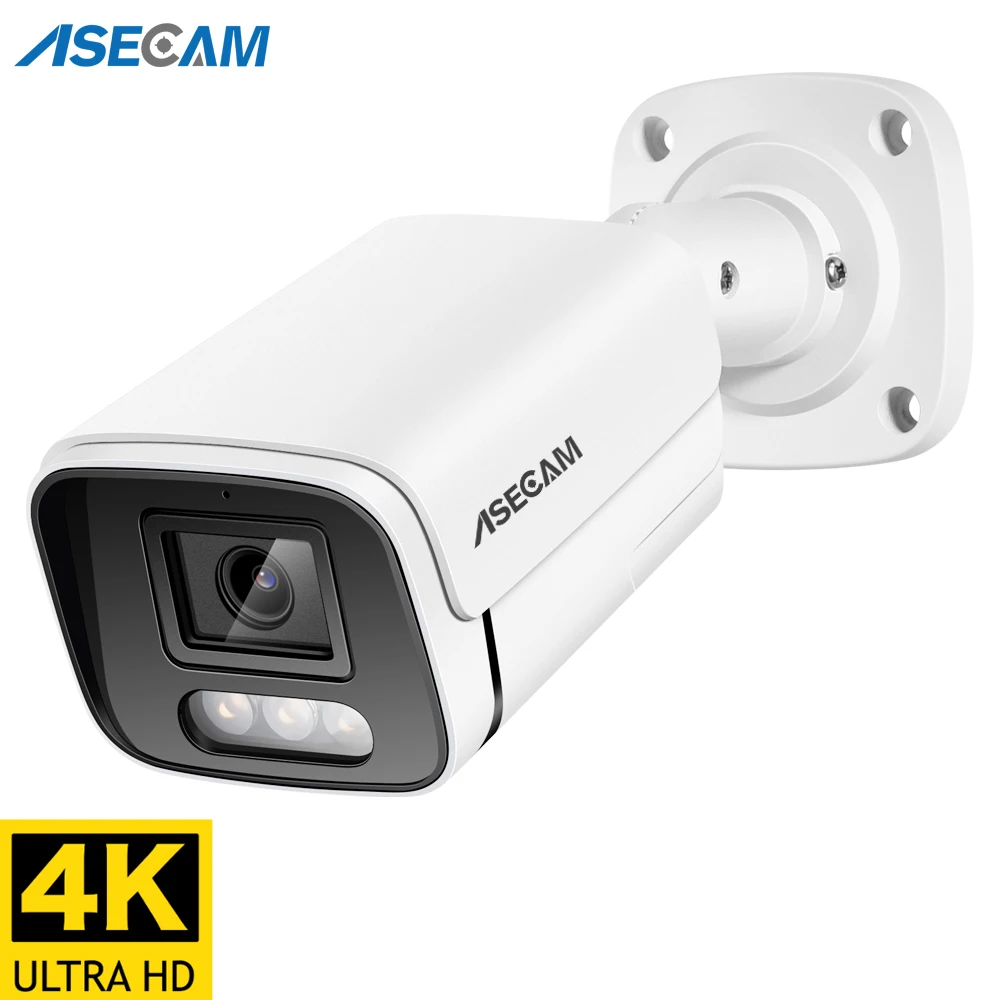
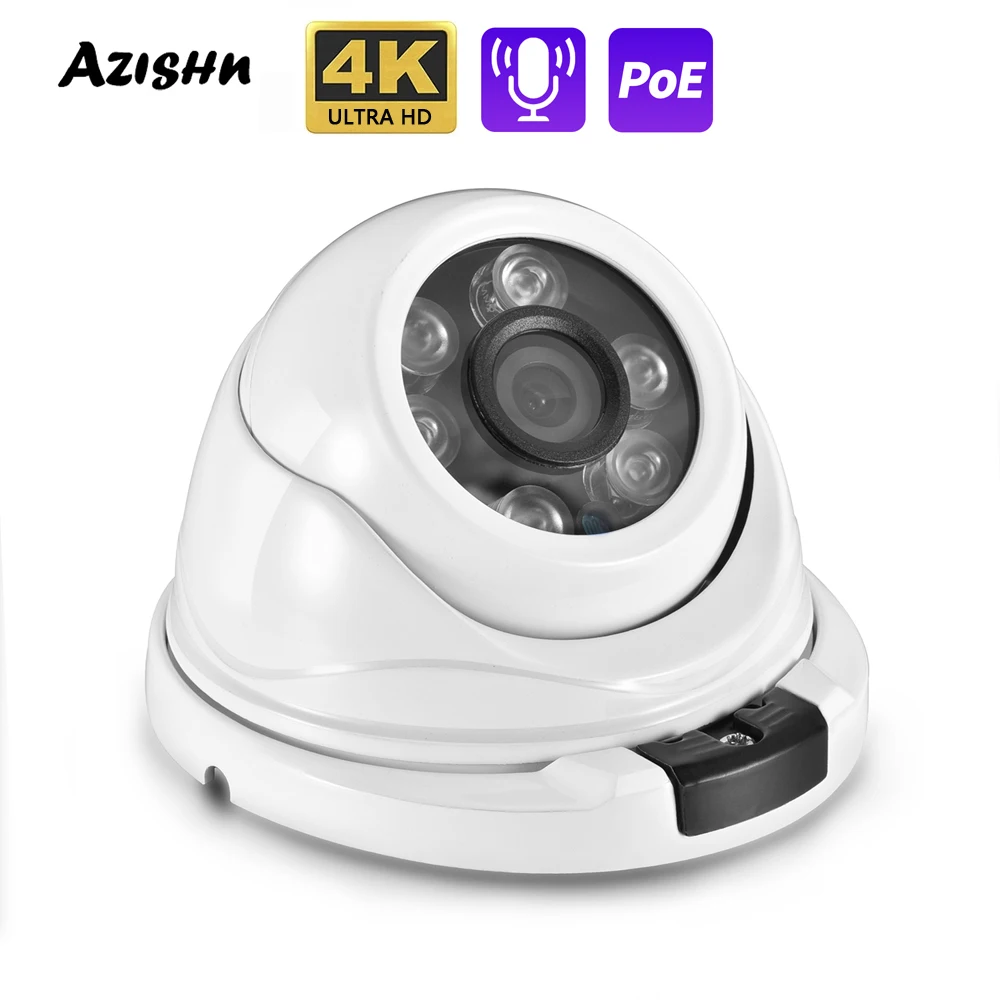
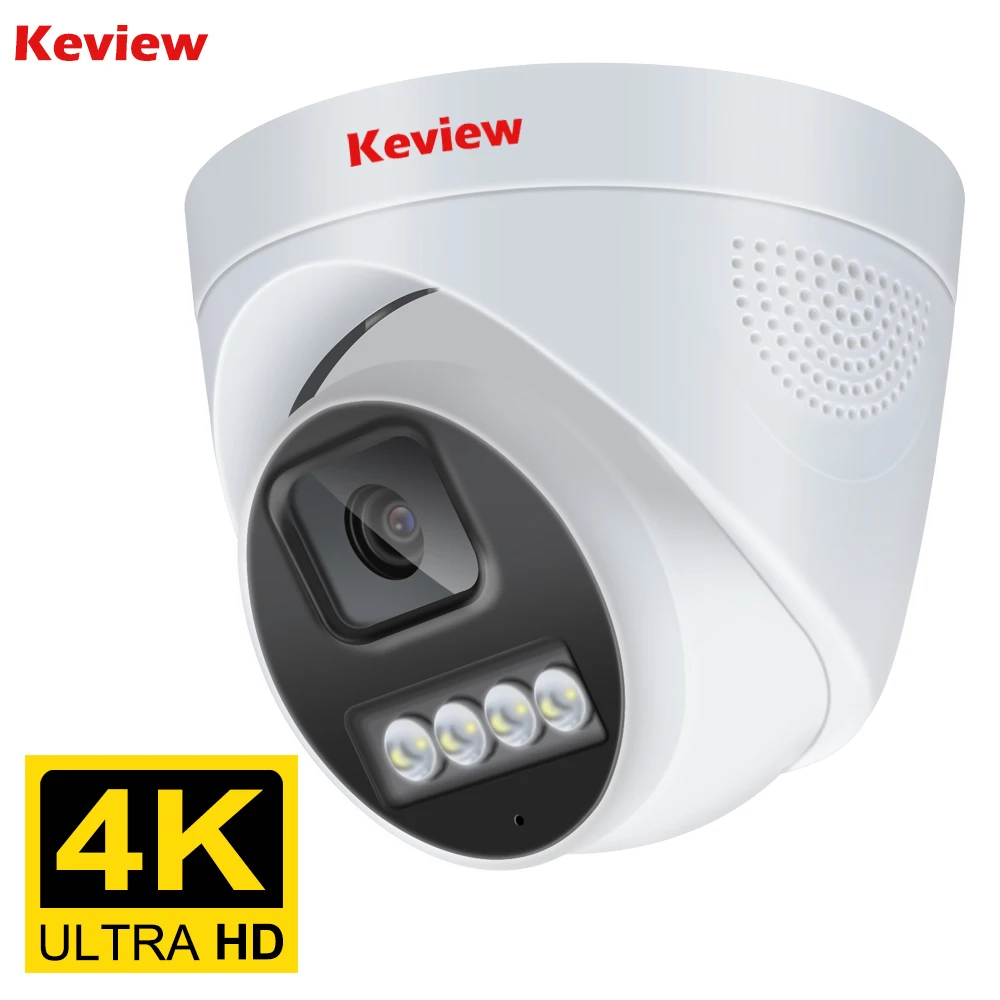
4K 8MP HD Wifi PTZ Camera Outdoor 4MP Dual Lens Dual Screen AI Auto Tracking IP Camera CCTV Audio Video Surveillance P2P iCSee Overview
- High-concerned chemical: None
- Zoom type: Digital zoom
- Zoom: 4X
- Lens Quantity: Dual Lens
- AI Functions: Smart Tracking
- Color Night Vision: Yes
- Operating Temperature: -10°-60°
- IP Rating: IP66
- App name: Other
- Power Mode: Mains Electricity
- Rechargeable Battery Capability: Other
- Rechargeable Battery: None
- Scene: Indoor and outdoor
- Movement Range(Tilt): -10°-180°
- Movement Range(Pan): 0°-360°
- Megapixels: 4MP
- TF Card: 128G TF Card
- Power Supply: Normal
- Internal Storage: 128G
- Installation: Side,Wall Mounted,Vertical Pole Mount
- Color: black
- is_customized: No
- Audio Output: Two Way Audio
- Minimum Illumination(Lux): Day:1.5LUX, Night:0LUX (IR lamp opened)
- Viewing Angle : 90°
- Video Compression Format: H.264,H.265
- IR Distance(m): Up to 20-30m
- Dimensions (L x W x D)(mm): 15*15*9.5cm
- Power Supply(V): DC12V/ 2A
- Alarm Action: Email Photo,Local Alarm
- Power Consumption(W): 25W
- Supported Mobile Systems: Windows Mobile,Android,iOS
- Sensor Brand: SmartSens
- Sensor: CMOS
- Model Number: 8MP WiFi IP Camera
- Supported Operating Systems: Windows 7,macOS,Windows 8,Windows 10
- Lens (mm): 3.6mm
- Connectivity: IP/Network Wireless
- High Definition: 8.0 Megapixels
- Style: PT Camera
- Brand Name: UDECER
- Origin: Mainland China
- Special Features: Waterproof / Weatherproof
- Certification: CE,FCC,RoHS,weee
- Alarm Type: Local Alarm,Email Photo
- Shell Material: Plastic
- Smart home platform: alexa
- Power Source: Mains Electricity
- Type: 8MP WIFI IP Camera
- 8MP HD: 4MP + 4MP
- 4MP HD: 2MP + 2MP
Note:
Before connecting the video, please watch our video tutorial first. (Note: You must use a 2.4GHz network configuration for connection; 5GHz Wi-Fi is not supported.)
Important Notes:
If the connection fails, first press and hold the reset button next to the card slot on the back of the camera for 8 seconds. Hearing a beep indicates a successful restart. Then follow the connection video to reconnect.
Reviews
This site does not have a review form yet, so no reviews are published here.
Bought this product? Email us your order reference and tell us how it went. We read every message and use the feedback when we update the listing.
SEND FEEDBACK BY EMAIL